5 Ways to Build a Node.js API
5 Ways to Build a Node.js API
 [
[
Share:
[[](https://wa.me/?text=5%20Ways%20to%20Build%20a%20Node.js%20API - )]
 Luke OliffVonage Alumni[
Friendly tech educator, family man, diversity champion, probably argue a bit too much. Formerly a backend engineer. Talk to me about JavaScript (frontend or backend), the amazing Vue.js, DevOps, DevSecOps, anything JamStack. Writer on DEV.to
][[
Luke OliffVonage Alumni[
Friendly tech educator, family man, diversity champion, probably argue a bit too much. Formerly a backend engineer. Talk to me about JavaScript (frontend or backend), the amazing Vue.js, DevOps, DevSecOps, anything JamStack. Writer on DEV.to
][[

Ready to start building?
Experience seamless connectivity, real-time messaging, and crystal-clear voice and video calls-all at your fingertips.
]

Subscribe to Our Developer Newsletter
Subscribe to our monthly newsletter to receive our latest updates on tutorials, releases, and events. No spam. ]
5 Ways to Build a Node.js API
Published on [May 11, 2021][#express#nodejs#http] Time to read: 27 minutes [ This article will help you build a small API in five ways, using Node.js and four popular frameworks.
Express.js is one of the many HTTP frameworks available for Node.js. We use it for a lot of our Node.js content, due to the large variety of addons and its large support community.
The similarities of producing the same functionality in different frameworks may help to provide some insight when implementing one of our demos in a different framework to the one in the tutorial. I hope.
[Express.js]
We’ll start with the familiar. Express.js is a lightweight and “unopinionated” framework for producing Node.js based web and mobile applications.
[Create a Server]
Make a project directory with your IDE or this command.
Copy [mkdir rest-express
cd rest-express]
Create a file for your application (usually app.js or index.js).
Copy [touch index.js]
Initialise the project with NPM by generating basic NPM package files without having to answer any questions with the y flag.
Copy [npm init -y]
Install the Express.js package.
Copy [npm install express]
Modify index.js and add the following source code to create your app and the example route.
// index.js

const express = require('express')

const app = express()
const port = process.env.PORT || 3000

app.get('/example', (req, res) => {
  res.json({ message: 'Looks good to me!' })
})

app.listen(port, () => {
  console.log(`listening on port ${port}`)
})
Copy
[Run the Server]
Start the app using the node command line. You might be used to npm start which in a lot of instances just runs this command on your application file anyway.
Copy [node index.js]
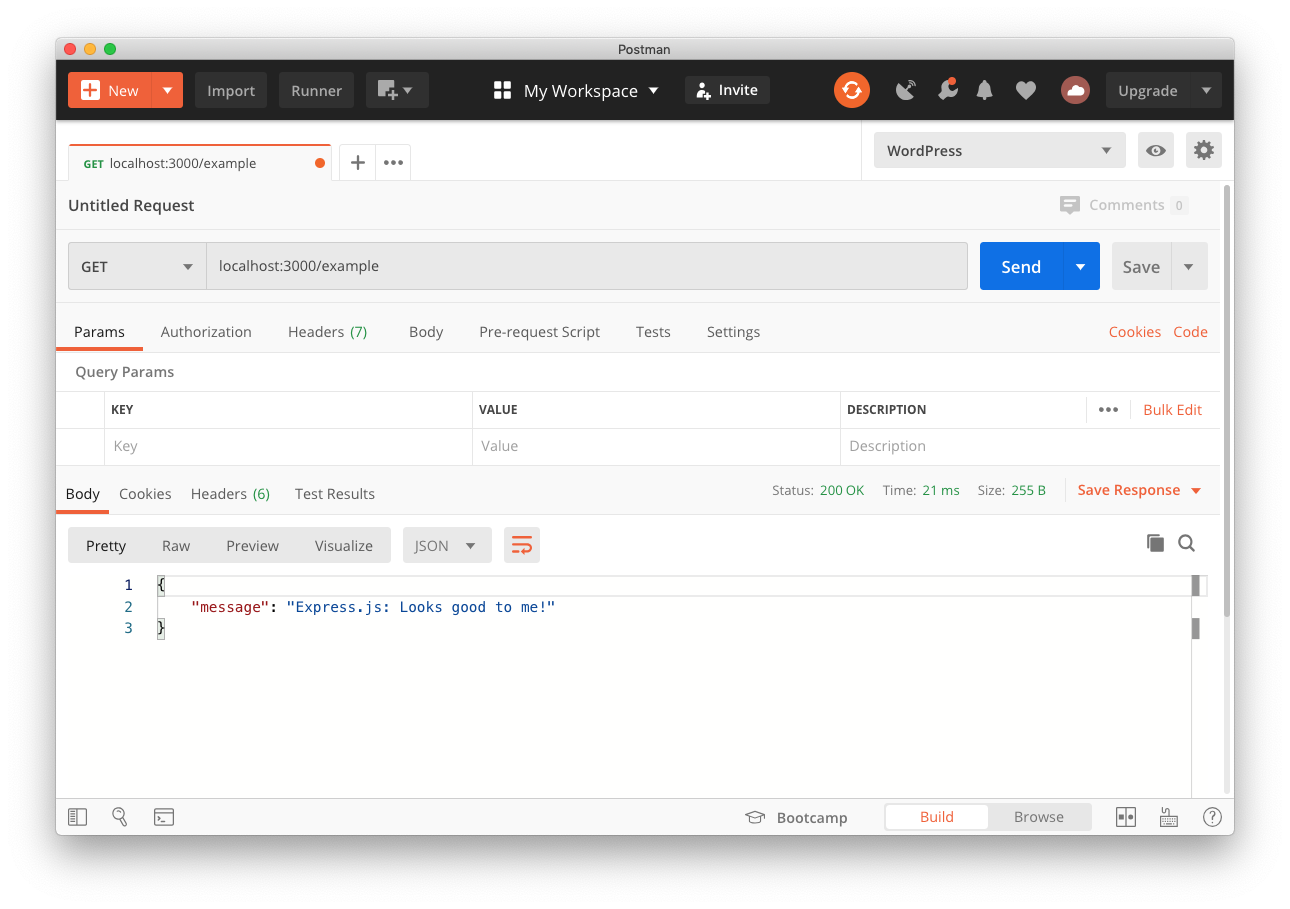
Now you can make a request using Postman to see the response.
[
 ]
]
[Node.js Standard Libraries]
Node.js has built-in packages capable of listening for HTTP requests, and constructing responses. The other frameworks simplify this, along with adding multiple other features you’d otherwise have to build.
[Create a Server]
Make a project directory with your IDE or this command.
Copy [mkdir rest-node-only
cd rest-node-only]
Create a file for your application (usually app.js or index.js).
Copy [touch index.js]
We don’t need to initialise NPM until we need to install packages. For this example, we’ll use packages built into Node.js so we don’t need NPM or any package files (🎉🎉🎉 AND NO node_modules DIRECTORY 🎉🎉🎉).
Modify index.js and add the following source code to create your app and the example route.
// index.js

const http = require('http')

const port = process.env.PORT || 3000

const requestHandler = (req, res) => {
  if (req.url === '/example'  && req.method === 'GET') {
    res.writeHead(200, { 'Content-Type': 'application/json' })
    res.end(JSON.stringify({ message: 'Node.js only: Looks good to me!' }))
  } else {
    res.writeHead(404, { 'Content-Type': 'application/json' })
    res.end(JSON.stringify({ message: 'Not found!' }))
  }
}

const server = http.createServer(requestHandler)

server.listen(port, () => {
  console.log(`listening on port ${port}`)
})
Copy
[Run the Server]
Start the app using the node command line.
Copy [node index.js]
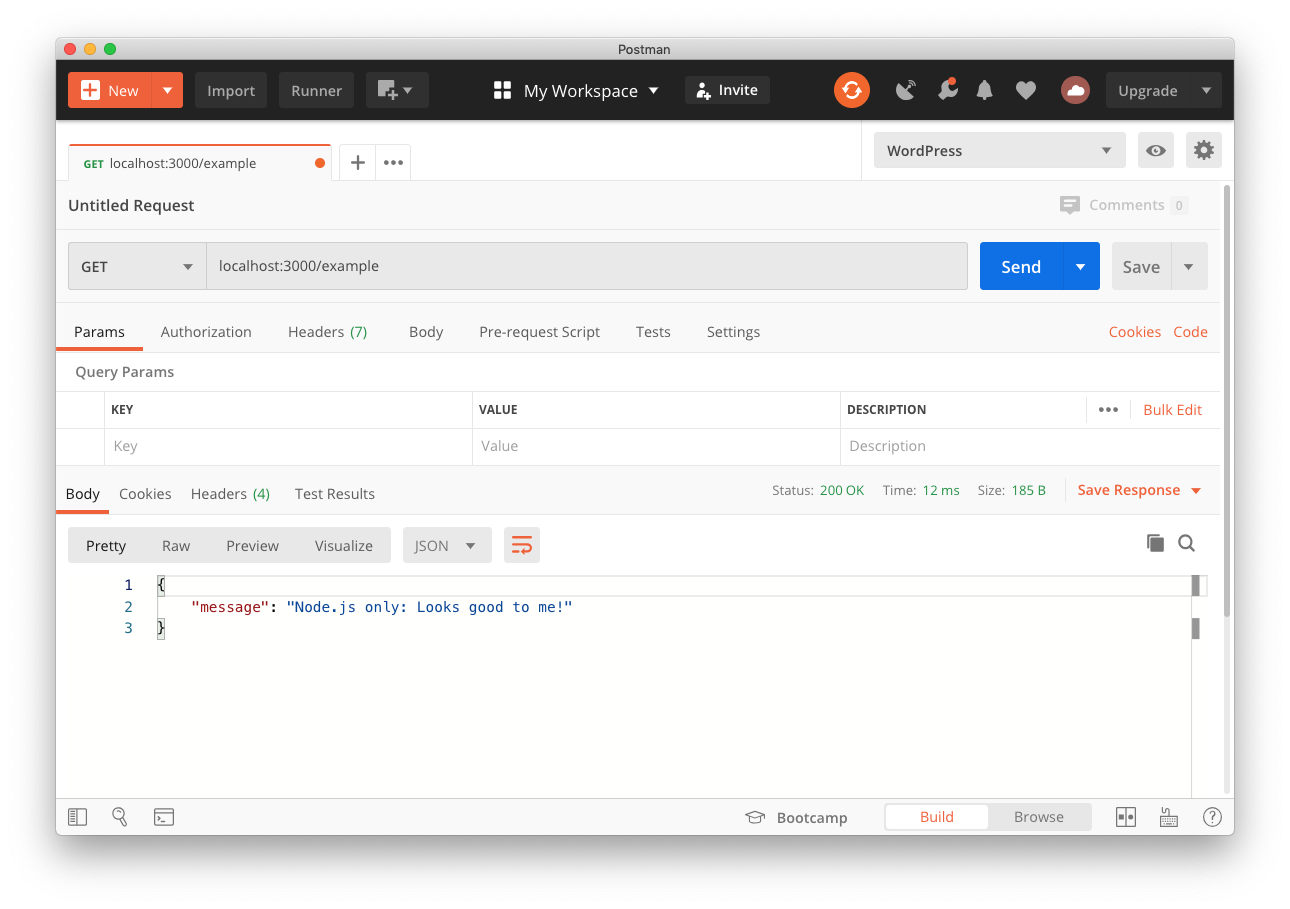
Now you can make a request using Postman to see the response.
[
 ]
]
[Koa.js]
Koa.js, designed by the same devs behind Express.js, has been built to be more lightweight and expressive, allowing for thinner code and greatly increase error-handling. As such, it comes with less baked-in features and a large suite of community extensions.
[Create a Server]
Make a project directory with your IDE or this command.
Copy [mkdir rest-koa
cd rest-koa]
Create a file for your application (usually app.js or index.js).
Copy [touch index.js]
Initialise the project with NPM by generating basic NPM package files without having to answer any questions with the y flag.
Copy [npm init -y]
Install Koa.js and the supporting packages for routing and sending JSON responses. ***Note:***Koa doesn’t support routing (besides url conditions), or JSON responses, without extra package.
Copy [npm install koa @koa/router koa-json]
Modify index.js and add the following source code to create your app and the example route.
// index.js

const Koa = require('koa')
const Router = require('@koa/router')
const json = require('koa-json')

const app = new Koa()
const router = new Router()
const port = process.env.PORT || 3000

app
  .use(router.routes())
  .use(router.allowedMethods())
  .use(json({ pretty: false }))

router.get('/example', (ctx) => {
  ctx.body = { message: 'Koa.js: Looks good to me!' }
})

app.listen(3000)
Copy
[Run the Server]
Start the app using the node command line.
Copy [node index.js]
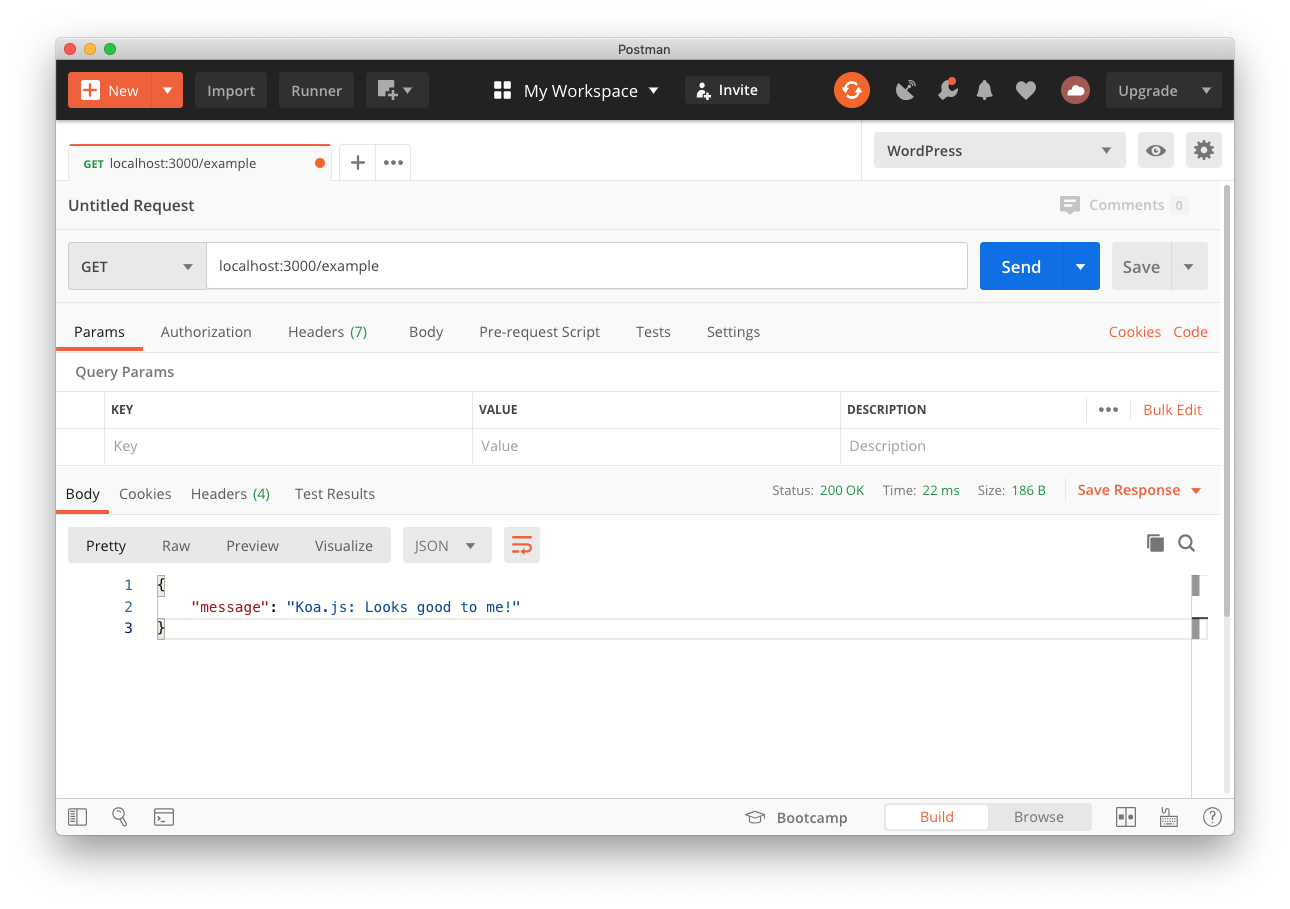
Now you can make a request using Postman to see the response.
[
 ]
]
[Restify]
Restify is a Node.js framework optimised for building semantically correct RESTful web services ready for production use at scale.
[Create a Server]
Make a project directory with your IDE or this command.
Copy [mkdir rest-restify
cd rest-restify]
Create a file for your application (usually app.js or index.js).
Copy [touch index.js]
Initialise the project with NPM by generating basic NPM package files without having to answer any questions with the y flag.
Copy [npm init -y]
Install the Restify package.
Copy [npm install restify]
Modify index.js and add the following source code to create your app and the example route.
// index.js

var restify = require('restify')

const port = process.env.PORT || 3000
var server = restify.createServer()

server.get('/example', (req, res, next) => {
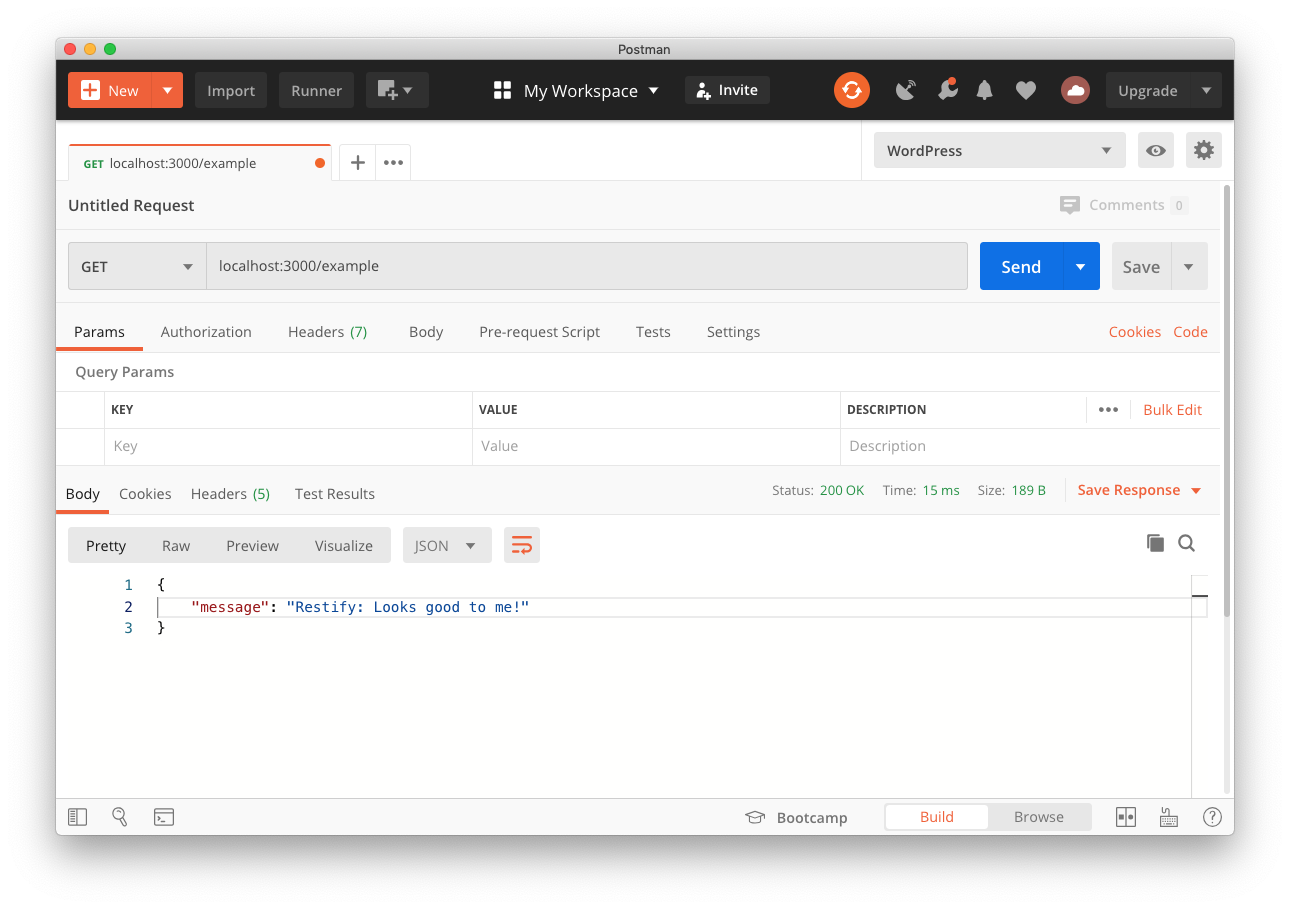
  res.json({ message: 'Restify: Looks good to me!' })
  next()
})

server.listen(port, function() {
  console.log(`listening on port ${port}`)
})
Copy
[Run the Server]
Start the app using the node command line.
Copy [node index.js]
Now you can make a request using Postman to see the response.
[
 ]
]
[Hapi]
hapi is an extremely scalable and capable framework for Node.js. Developed initially to handle Walmart’s Black Friday traffic at scale, hapi continues to be the proven choice for enterprise-grade backend needs.
[Create a Server]
Make a project directory with your IDE or this command.
Copy [mkdir rest-hapi
cd rest-hapi]
Create a file for your application (usually app.js or index.js).
Copy [touch index.js]
Initialise the project with NPM by generating basic NPM package files without having to answer any questions with the y flag.
Copy [npm init -y]
Install the hapi package.
Copy [npm install @hapi/hapi]
Modify index.js and add the following source code to create your app and the example route.
// index.js

const Hapi = require('@hapi/hapi')

const port = process.env.PORT || 3000

const init = async () => {
  const server = Hapi.server({
    port: port,
    host: 'localhost'
  })

  server.route({
    method: 'GET',
    path: '/example',
    handler: (req, h) => {
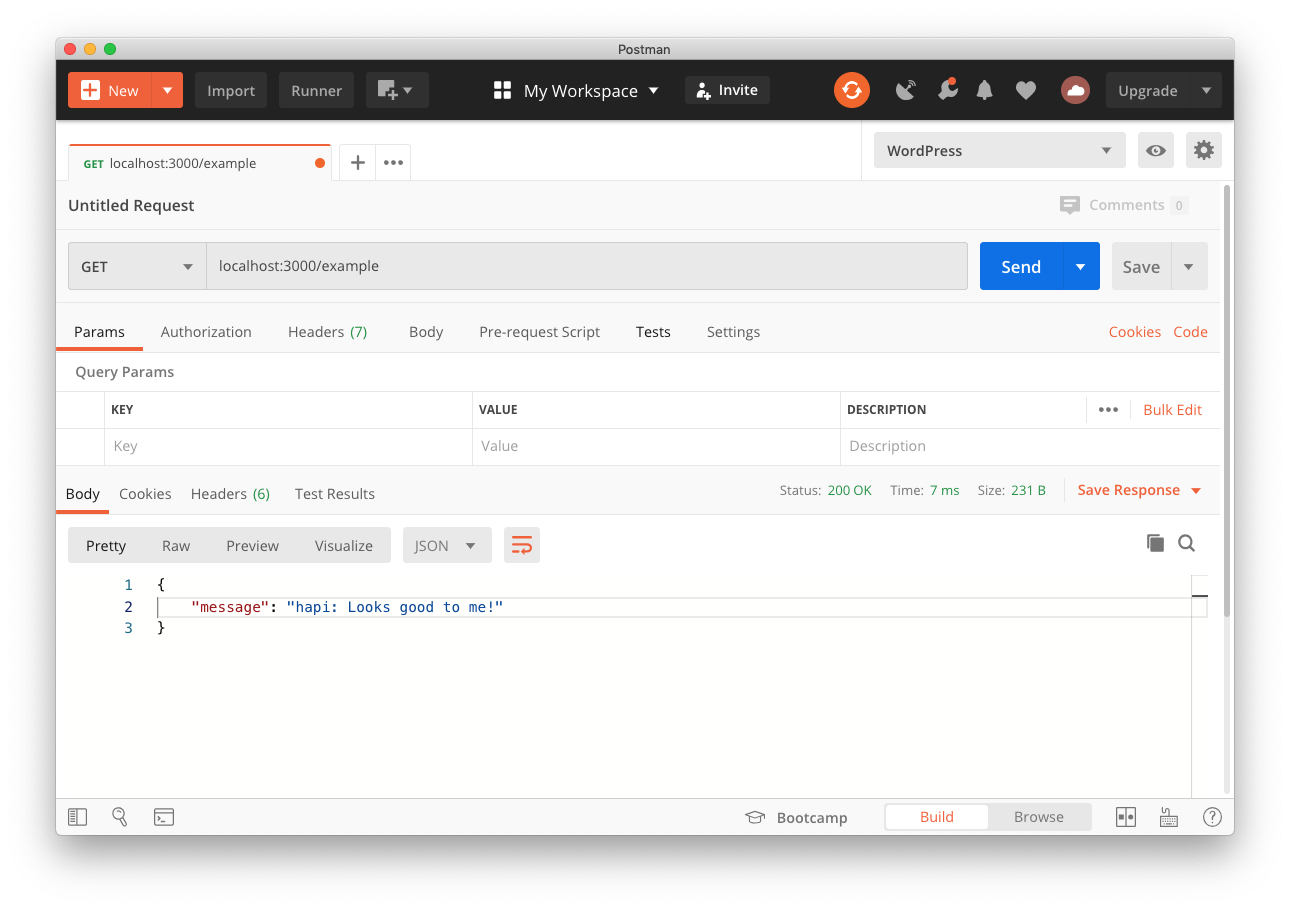
      return { message: 'hapi: Looks good to me!' }
    }
  })

  await server.start()
  console.log('Server running on %s', server.info.uri)
}

init()
Copy
[Run the Server]
Start the app using the node command line.
Copy [node index.js]
Now you can make a request using Postman to see the response.
[
 ]
]
[Conclusion]
Node.js can be used barebones, but you pay the price in supporting your own solutions to features like routing and response types. Your application will be fast, with little package bloat, if you’re familiar with how best to optimise your code for performance. You can find open-source solutions for routing and other features, without using a framework like those here, but at that point, you may as well use a framework.
While Express.js is unopinionated, it has a lot of built-in features. It’s not the fastest, but that doesn’t mean it’s slow. It is certainly the easiest to get started with.
Restify is built purposely to scale RESTful applications and despite its simplicity is used in some of the largest Node.js deployments in the world.
hapi is built to scale fast while being feature complete and enterprise-ready.
Koa.js is an async-friendly alternative to Express.js, without the built-in features.
Lots of developers will pick the one with the best support or largest community, which for me is a clear choice between hapi and Express.js.
[All the Code]
You can find a single repository with all the code in on GitHub, in case you have trouble with the examples here.
[Further Reading]
- How to Add Two-Factor Authentication
- Building a Check-In App with Nexmo’s Verify API and Koa.js
- Add SMS Verification in a React Native App Using Node.js and Express
- Forward a Call Via Voice Proxy With Koa.js
- Forward Nexmo SMS to Slack using Express and Node
- How to Send and Receive SMS Messages With Node.js and Express
- Building a Check-In App with Nexmo’s Verify API and Koa.js
- Creating a Voice Chat Application with Vue.js and Express
- Trusted Group Authentication with SMS and Express
- Build an Interactive Voice Response Menu using Node.js and Express
- Create Custom Voicemail with Node.js, Express and Socket.io
- Build a Full Stack Nexmo App with Express and React ]
Share:
[[](https://wa.me/?text=5%20Ways%20to%20Build%20a%20Node.js%20API - )][
Luke OliffVonage Alumni[
Friendly tech educator, family man, diversity champion, probably argue a bit too much. Formerly a backend engineer. Talk to me about JavaScript (frontend or backend), the amazing Vue.js, DevOps, DevSecOps, anything JamStack. Writer on DEV.to
]][[
Ready to start building?
Experience seamless connectivity, real-time messaging, and crystal-clear voice and video calls-all at your fingertips.
]
Subscribe to Our Developer Newsletter
Subscribe to our monthly newsletter to receive our latest updates on tutorials, releases, and events. No spam. ] ]